








You know when you have somewhere really important to go, and you can’t seem to find anything to wear? For me it’s usually because I have a pile of clothes in the hamper (which warrants the “is this clean?” smell check), my favorite shoes are still in the trunk from last week’s girls night, and I’m just wishing that I would’ve been responsible enough to put everything back where it belongs when I’m done.
(This is going to be a really awkward analogy if I’m the only woman who actually still does the smell test).
Anyhow, having a cluttered bedroom is much like having a cluttered blog life. Have you ever found the perfect stock photo for a future blog post, but had no idea where you saved it on your computer? Which of course left you with the task of opening a bunch of images just to see if it was the one you were looking for. I mean it’s kind of like the smell check…but for blogging.
Just like your personal life, your blogging life would run much more smoothly if you decluttered the mess and got organized. Here are 5 things you should have to organize your blog life.
1. A filing system
Here’s an example of my current folder hierarchy:
- Blog Name (1)
- Year (2)
- Blog Posts (word docs)
- Blog Stock Pics (.jpgs)
- Featured Images (.psd and .jpgs)
- Resources (.jpgs and .pdfs)
2. A place to capture ideas
I use Microsoft OneNote. It’s like *crack for organized people. You can have different “notebooks,” then create different tabs to organize multiple projects, ideas, lists, calendars, and more. You can connect it to an account so you can access it from your phone, tablet or computer.
3. A weekly schedule
A weekly schedule can help you to create a routine for your blog. For example, if you wanted to blog three times a week, you could reserve Mondays for videos, Wednesdays for a free printable, and Fridays for tutorials — whatever works for you and your blog’s content. Having a schedule creates consistency on your blog so people (including you!) know what to expect.
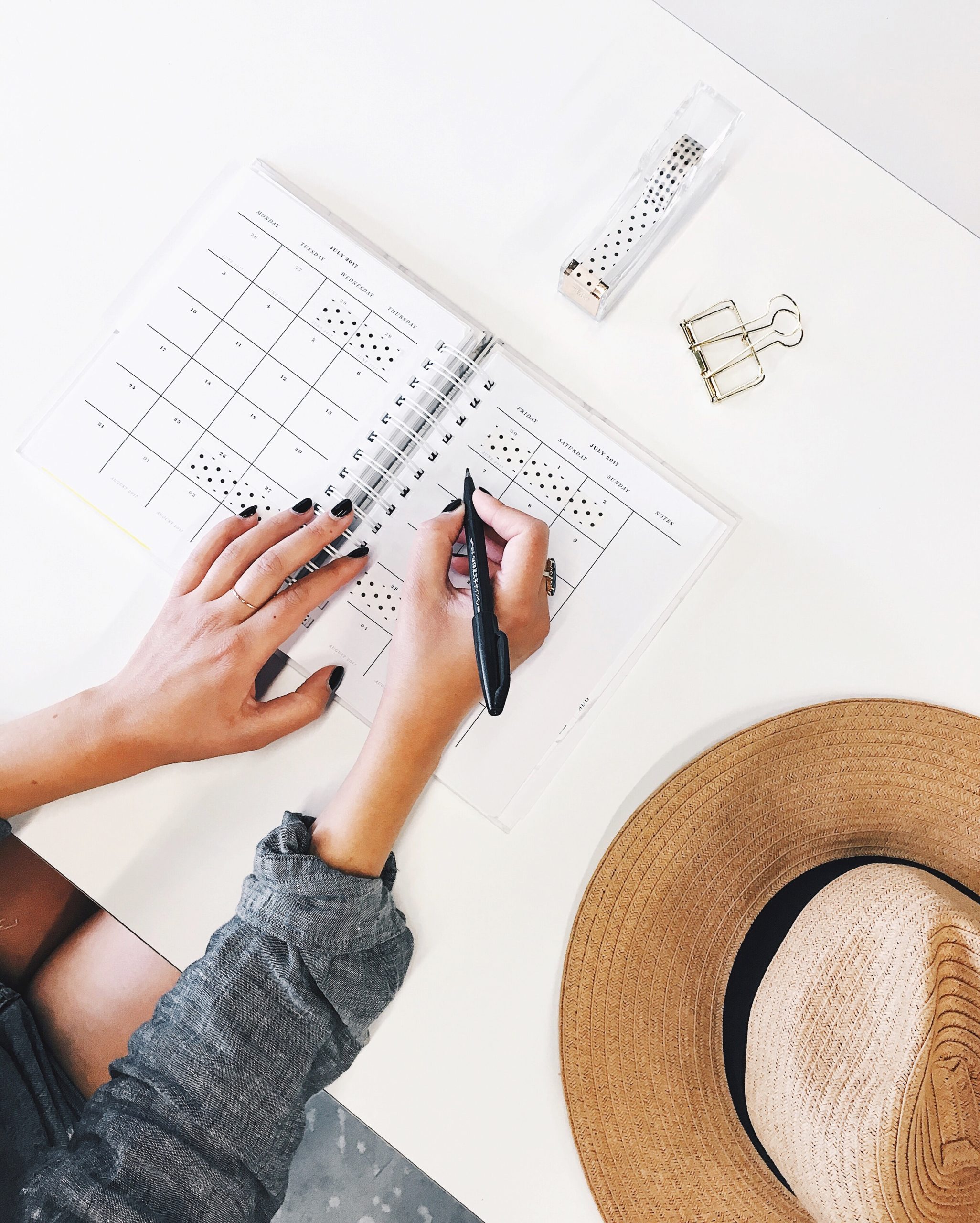
4. An editorial calendar
An editorial calendar is kind of like having a meal plan for your blog. It helps to ensure that you’re not throwing together posts at the last minute and putting them on your blog just for the sake of having content for the week. Organize all your ideas, then lay them out on a calendar for the month. Even though I love jotting things down on paper, I currently use CoSchedule as online editorial and social media calendar. It keeps my blog content extremely organized. (More about CoSchedule here!)
5. A checklist for each blog post
Your checklist should include things like proofreading, finding a good image, sharing your post on social media, SEO keywords, and so on. Bonus! You can grab a printable for your blog checklist here!
*Disclaimer: I’ve never done crack. 😉
p.s. 13 Ways to Drive Traffic to Old Blog Posts + How I Organize and Plan Blog Posts










Hi.
I have done similar posts on my blog as well..they are always lovely:)
Great work.
Have a great day
Super helpful! I’m trying to get more organized with blogging and the posts on here help so much. I’m going to check out CoSchedule now!
Love this! Setting up a folder structure has done wonders for my blog organization! That has definitely been a big one!
This post seriously just saved my blogging life. Definitely implementing step #1 tonight! Thank for always sharing AMAZING content on your blog!
One of my New Year’s goals was to create a content calendar to be more organized with my blogging. I’m glad that I read your post, it gave me so many other great ideas that I can add to the calendar that will help to keep me organized. Thank you! 🙂
http://indianaheart.typepad.com/
I have to confess I do the smell test. BUT, only because my husband thinks that any basket is a dirty basket. = | I need to create a checklist for my blog post and understand SEO a little more. & I love your filing system. I need to create a better one myself.
Vashti
I blog at http://www.herestotakingchances.com
I photograph at http://www.vashti.co
Haha, Vashti! I have the same problem. “Somehow” *cough, boyfriend* the clean hamper gets mixed with the dirty hamper.
Download the SEO by Yoast wordpress plugin to help out with SEO.
This is great. I need to organize my computer files so badly and this gave me some motivation to get to it! Thanks!
Ohh and you are definitely not the only one who has to do the smell test on occasion.
I’ve never heard of Microsoft OneNote! Having something to connect my iPhone, iPad, and laptop would be AMAZING. I have a tendency to jot down notes on whatever is around me whether it’s on my phone, post-its, a notebook, etc., so having something that connects to all my devices would be amazing!! Definitely looking into this! Great tips, Maya!
Neha // http://nehasharmaphoto.com/blog
Thanks, Neha! Glad this helped!
Your analogy was spot on, it’s like you peeped into my life! This is an awesome post and love having a check list, definitely will be using this from now on 🙂
http://www.recalcitrantgirl.com
Anyone who says they don’t do the smell test now and then is lying. 😉 Great tips; thanks for sharing!
Great post! I have a similar system but I use Evernote instead of OneNote because then I can get it on all of my devices. Intrigued by keeping a copy of your blog posts in Word… what is your reasoning for this?
Saving my posts in a Word doc just became a habit. I would write them out in my phone’s notepad then transfer to Word to proofread. God forbid anything happens to my blog, I have all my posts saved in one folder! 🙂
I love OneNote, but I use Evernote too. And I have folders like that, but I keep them all in GoogleDocs- helps since I co-author a blog! Who doesn’t do the smell test occasionally?
So glad to know I”m not the only one that does the smell test! Haha!
Oh, this is just what I needed! I just started my new blog and am super excited to get organized. Planning out posts is so important, especially if you have a busy work week! Thank you!
Blogging goes one of two ways for me: either I’m super organized and ready to go (posts for the week written and ready to post, pictures taken and edited, all properly filed away), or I sit down in the morning, hash something out and click POST so I can run to work. I love all of your suggestions on staying on track. I have a little trouble keeping my notes on my computer, but I always keep a notepad with me for blog ideas should they strike wherever I am 🙂
The What’s In Between
This was really helpful – thank you! I’m relatively new to blogging so I feel like I’m still kind of getting into the swing of things. That being said, I’m definitely getting better at streamlining my writing process and not writing posts at the last minute. (But hey, it still happens. Just like the smell test!) Right now I’m planning posts week to week, but I’m working towards planning it out in 2 week chunks.
Thanks again for this helpful post – and the links! I’m going to check out the printable blog post checklist and CoSchedule now!
xx Kathryn
http://www.throughthethicket.ca
That’s awesome, Kathryn! I’m very passionate about what I put on my blog so there’s definitely times when I come up with a blog post idea in the morning and post it in the afternoon! Not on schedule, but passion isn’t something you can throw on a calendar! 😉
Thanks Melyssa! This was super helpful! I’ve just started using Evernote (sounds similar to One Note), but have been looking for something to help me with my editorial calendar. Even though I’ve decided to only post once a week (I’m not a blogger by trade, it’s just an addition to my calligraphy business), I would still like to have a more organized way to plan out my week, and plan out what needs to be done in order to post (and then the other social media stuff after posting!). Thanks again! So helpful.
Ha! I’ve never done crack either, but that’s how most of my friends feel about Evernote. I know folks that their whole lives are on that app. I have not figured out how to use it worth a flip and deleted it. I just run a calendar, blog planner, work planner, and daily planner. I know it seems like a lot but it works for me. The hierarchy for saving files is going to get put to work when I get home today. That idea is gold. Though I am organized, I need to sit down and organize my week for the blog the same time I organize my week in general on Sunday evenings. I think it would help a lot.
Great post! I like having my files super organized, so I know where things are when I need to go back to them. Definitely working on implementing an editorial calendar!
Organising my files is definitely something I need to do, all my work is filed so neatly..not my blog things though!!x
Abbie|Thoughtsandthunder
Great tips!
Great tips 🙂
Lx
http://workingmumy.blogspot.com
Having an editorial calendar is key for me. It helps me schedule posts in advance (yay!) and keeps me focused on what post I write next. I use google calendar since it’s with me where I can access the internet.
You’re not the only one 😀
I’ve tried editorial calendars before, but I always fall flat on using them. By the time I have content planned and (mostly) written out, I don’t think it’s good enough for my blog anymore and I won’t publish it. I guess I’ll just keep trying!
And Coschedule looks great! It really makes me wish I was on WordPress.
http://www.mascarawarrior.com
Thanks for the comment, Em! If your post idea is authentic, in line with your blog’s niche and helping to solve a problem for your audience, it’s definitely good enough!
I loved OneNote but don’t have it anymore. I love Trello, Evernote, and all of my Google apps.
Lovely tips! x
Blog | Marjorie
Checklists for my blog posts are some of the most helpful things I do. When I get a post idea I write down everything that needs to happen before it goes live. It helps me organize my work flow (take all those pictures at once!) and keep track of different projects. 🙂
Microsoft OneNote is extremely helpful although I still don’t know hpw to use it properly. The other tips are amazing as well!!
xx Cecil // http://www.wednesday19th.blogspot.com
I was concerned about the crack. j/k
Awesome tips! I love OneNote, but I have a MacBook atm so I can’t use it. So sad about it!
Onenote is great, but the Mac version is not. I do everything with Evernote!
GREAT suggestions, all of them! Plus, you make blog organization sound so simple! Thank you for these tips; I’m not especially organized and every little tip helps.
Great tips! 🙂
What great ideas! Good to hear you’ve never done crack haha and for the record – I totally do the smell check 😉
Savannah // http://www.zolablog.com
What useful ideas! I’ll keep them in mind :))
Awesome ideas! I really need to get better about sticking to my posting schedule. Oh, and thanks for sharing the blog checklist!
Tiffany
http://www.beautifuldawndesigns.net
Great ideas. I need work on number 2.
Great ideas! Definitely need to get on #4.
I do some of these , but KNOW I need to do more. I need to set aside some time to get organised – not hugely likely any time soon!
I’ll be following this guide! This is exactly what I have been looking for. Thank you 🙂
Maff
http://teatomorrow.com
I think the light bulb just went on! Thank you 🙂
Have yet to use OneNote but thinking that this year will be the year I use it!
These kinds of posts are like heaven to me. I am such a freak for organization tips!
http://www.theblissfulmind.com
I needed this! trying to make organization my inner mantra. thanks!
bloomdaily.net
Nice tips!
Elizabeth – http://diaryofagirl10.blogspot.co.uk/2015/02/adventures.html
Really great tips! I really need to get more organized (I’m guilty of the blogging image “smell check” quite frequently) so hopefully this helps!
lauren / lipstick & lacquer
Great tips! I would say that having an editorial calendar is key to keeping yourself organized and accountable to your team and / or yourself, if you’re an entrepreneur handling this on your own. Editorial cals really help with keeping you focused about what it is you’re here to share & put out into the world 🙂
I couldn’t agree more, Kristen!
This was so helpful, Thank you!
Glad you enjoyed it, Natalie! 🙂
Thank you for all the tips! Very helpful ^_^
Laila from Townhouse Palette
Glad it helped, Laila! 🙂
Thanks for the short but important tips, Melyssa.
I always think that blogging is a serious business, whether you do it for fun or writing for your marketing strategy, and so, organizing your blogging calendar must be taken seriously as well.
I couldn’t agree more with you about preparing a checklist and make sure that nothing slips through your fingers. Book Bumblings also stresses on the role of checklists on this article, especially during their creative planning of large blogging events.